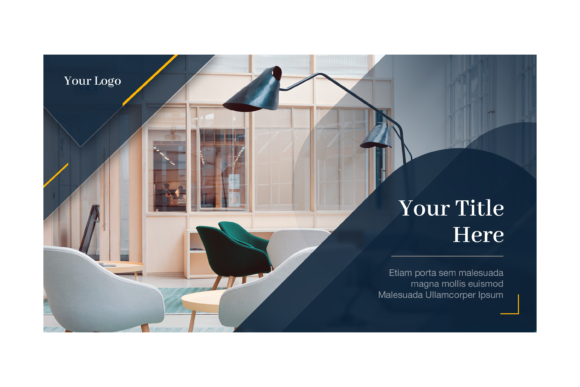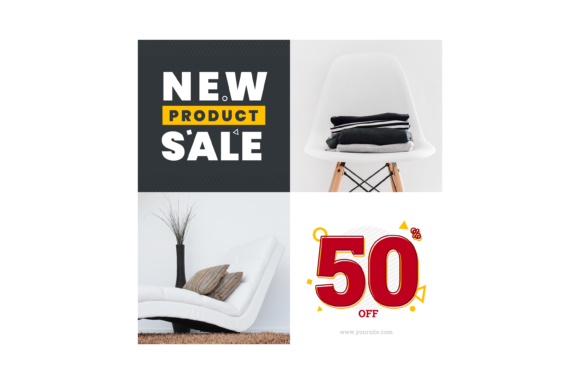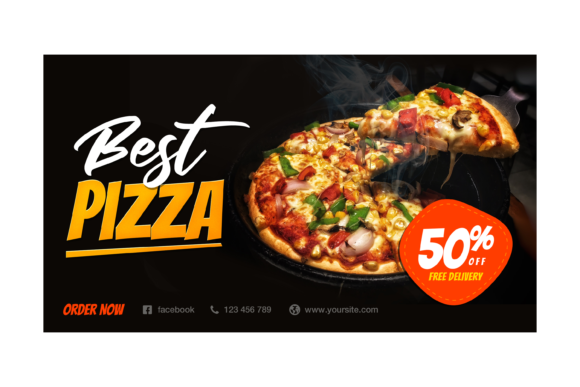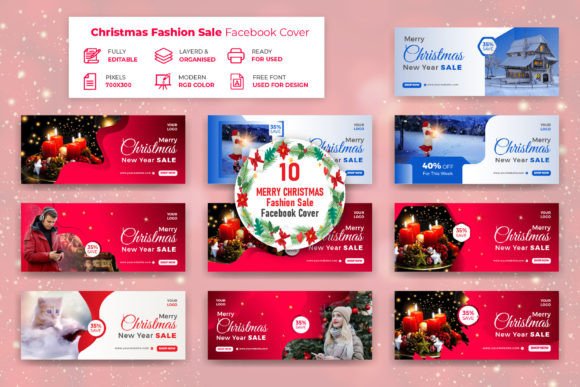
Understanding Best-Selling Instagram Post Templates: Smart Object Replacement, Editable PSDs, and Organized Layers
Scrolling through Instagram, you've probably noticed that some accounts consistently post visually stunning content. The colors pop, the typography feels deliberate, and every image seems to fit a cohesive brand identity. While many assume this level of polish requires a professional graphic designer, the reality is often much simpler: best-selling Instagram post templates. These pre-designed PSD files have become a cornerstone of modern social media marketing, offering anyone—from solopreneurs to large marketing teams—a shortcut to professional-looking visuals. But what exactly makes a template "best-selling"? And how do features like smart object replacement, organized layers, and high-resolution output actually work? Let's explore these tools from the ground up, so you can understand not just how they work, but why they matter for your creative workflow.
Why Instagram Templates Have Become Essential Tools
Instagram is a visual-first platform. With over two billion monthly active users, standing out in a crowded feed requires consistency, speed, and quality. Creating original graphics from scratch for every post is time-consuming, especially for small business owners, content creators, or social media managers juggling multiple platforms. This is where PSD templates come into play. A well-designed template provides a structural foundation—think of it as a digital blueprint. You don't start with a blank canvas; you start with a professionally crafted layout that already incorporates design principles like balance, contrast, and hierarchy.
These templates have evolved beyond simple backgrounds with text placeholders. Modern best-selling Instagram post templates are built with advanced features that streamline editing, minimize errors, and ensure output quality. They are designed to be intuitive, even for users who have only basic familiarity with Adobe Photoshop. By understanding the key features of these templates, you can choose the right one for your needs and unlock a workflow that saves hours each week.
Decoding the Core Features of a Best-Selling Instagram Post Template
When you browse a marketplace and see a template described as "best-selling," several characteristics typically set it apart. These aren't just aesthetic choices; they are functional enhancements that make the template versatile, user-friendly, and professional. Let's break down each feature in detail.
Smart Object Replacement: The Game-Changing Feature
Smart Object Replacement is arguably the most valuable feature in any editable PSD template. If you have ever struggled with resizing an image inside a design—watching it distort, pixelate, or awkwardly crop—you already understand the problem that Smart Objects solve. In Photoshop, a Smart Object is a layer that preserves the source content of an image, allowing you to transform it non-destructively. When a template includes a Smart Object layer, you simply double-click that layer's thumbnail, a new window opens, you paste or place your image, save, and close. Instantly, your image appears inside the template, perfectly masked, scaled, and positioned.
For an Instagram post template, this means you never have to worry about accidentally moving a frame, distorting an image, or ruining the layout. The template's designer has already defined the boundaries, shadows, and effects. You just replace the placeholder. This feature is especially important for Instagram because the platform is heavily image-driven. Whether you are showcasing a product, sharing a quote graphic, or promoting an event, smart object replacement ensures your photos fit seamlessly into the design every single time. It eliminates guesswork and dramatically reduces the risk of human error, which is why best-selling templates almost always highlight this capability.
Easy to Edit: What Does It Really Mean?
"Easy to edit" is a phrase you see often, but it deserves unpacking. In the context of a PSD template, it means the file is designed with the end user's workflow in mind. An easy-to-edit template uses clearly labeled layers, logical grouping, and often includes color-coded folders. For example, you might open the Layers panel and see folders named "Background," "Text," "Images," "Shapes," and "Effects." Within each folder, individual layers are named descriptively—"Headline Here," "Subheadline Here," "CTA Button," and so on. This organization means you don't have to hunt for what you want to change.
Editing typically involves changing text, swapping colors, and replacing images. With a well-organized template, changing a color is as simple as adjusting a layer style or double-clicking a color swatch. Text layers remain fully editable, so you can type your own copy, change the font, adjust the size, and tweak the alignment. The template's designer has usually set up paragraph styles and character styles to maintain typographic consistency, even when you type new content. This ease of use is what makes the template accessible to beginners while still offering enough flexibility for experienced designers to customize deeply.
3000×3000 Pixels: Why Resolution Matters for Instagram
The specification "3000×3000 pixel" is not arbitrary. Instagram's maximum image resolution for feed posts is 1080 pixels wide, but designing at a higher resolution like 3000×3000 offers several advantages. First, it ensures that your image remains sharp and crisp even if Instagram compresses it during upload. Higher resolution files tend to survive compression better, retaining detail that might be lost from a smaller source file. Second, it gives you a margin for error—if you need to crop or resize later, you have ample pixel data to work with. Third, a 3000×3000 pixel canvas is a common standard for print and digital use, meaning the template can double as artwork for other platforms if needed. For best-selling templates, this resolution signals quality and professional foresight.
PSD CS4 or Higher: Accessibility Across Versions
Adobe Photoshop has gone through many iterations, and not everyone uses the latest version. By specifying compatibility with Photoshop CS4 or higher, template creators ensure that their files can be opened by a wide range of users. CS4 was released in 2008, but many users—particularly those on older hardware or with budget constraints—still rely on it or slightly newer versions. This backward compatibility is a sign of thoughtful design. It means the template avoids features that only exist in cutting-edge releases, like certain blend modes or layer effects that weren't introduced until later versions. For the buyer, this compatibility guarantees that the template will work with their existing software, reducing friction and frustration.
Organized Layers: The Hidden Scaffolding of Good Design
Anyone who has opened a messy PSD file knows the pain of scrolling through layers labeled "Layer 1," "Layer 1 copy," "Layer 1 copy 2," and so on. Organized layers are the opposite. In a premium template, every element is placed in a logical structure. Layers are named intuitively (e.g., "Photo Placeholder," "Quote Text," "Color Overlay"), grouped into folders, and often color-coded for quick visual identification. Some templates even include a "Guide" folder with instructions on how to edit each section. This organization is crucial for efficiency. If you need to change the background color, you go directly to the Background group. If you want to update the call-to-action text, you find the CTA folder. This structured approach reduces editing time from minutes to seconds and makes the template usable for teams where multiple people might need to make adjustments.
What You Actually Get Inside a Best-Selling Template Package
When you purchase one of these templates, the download typically includes more than just the PSD file. A standard package contains three core components:
- PSD file: The main editable Photoshop document, containing all layers, smart objects, effects, and organizational structure. This is the file you will work with to customize your design.
- Preview JPG file: A high-quality image showing the template exactly as it appears when fresh out of the package. This serves as a visual reference so you can see the intended layout, colors, and typography before you start editing. It is also useful for portfolio presentations or client approvals.
- Read Me.txt file: A simple text document that typically includes important notes, such as the link to download the fonts used in the template. Fonts are usually not bundled for licensing reasons, so the Read Me file provides direct links to free or commercial font sources. It may also contain brief usage tips, credits, and contact information for support.
It is important to note that the preview JPG often uses stock images or example photos to showcase the template's potential. These images are not included in the purchase—they are for preview purposes only. This is a common practice in the template industry, and it's a point of confusion for many first-time buyers. The template provides the structure; you provide your own images.
Common Misunderstandings About Instagram Post Templates
One of the most frequent misconceptions is that purchasing a template means you are buying ready-to-post content that requires no work. In reality, a template is a tool, not a finished product. You still need to insert your own images, write your own copy, and apply your brand's colors and fonts. The template gives you a professional layout and saves you the hours of design work, but it does not replace the content itself.
Another misunderstanding revolves around the "image not included" disclaimer. Some buyers mistakenly believe that because the preview looks polished, those exact photos will come with the file. This is rarely the case. The photos are for demonstration only. If you love a particular image in a preview, you will need to license it separately or use your own. This distinction is important for both legal and practical reasons.
Finally, some users worry that editing a PSD requires advanced Photoshop skills. While knowing Photoshop certainly helps, the organized layers and smart object features are specifically designed to lower the barrier. If you can double-click, paste, and save, you can edit most templates. The learning curve is surprisingly shallow, making these templates accessible to beginners who are willing to follow simple instructions.
How to Use a Best-Selling Instagram Post Template: A Practical Walkthrough
Let's walk through a typical workflow using a template with smart object replacement and organized layers.
- Open the PSD file in Photoshop CS4 or higher. You'll see the template with placeholder content (sample text and a demo image).
- Locate the Smart Object layer for the image. It is usually labeled something like "Your Image Here" or "Photo Placeholder." Double-click its thumbnail. A new window opens containing the placeholder image.
- Paste or place your own image into that window. Use Ctrl+V (Cmd+V on Mac) or drag and drop. Resize it if needed, then save (Ctrl+S) and close the window. The template now displays your image, perfectly fitted into the frame.
- Update the text layers. Click on any text layer (e.g., "Headline Text") and type your own content. Adjust font, size, or color if desired, but the preset styles often look great as-is.
- Change colors if necessary. Many templates use global color swatches or shape layers with fill colors. Double-click the color thumbnail to open the color picker and choose a new hue that matches your brand palette.
- Review and export. Once you are satisfied with the edits, save your PSD, then export a high-quality JPG or PNG at 3000×3000 pixels. Instagram will resize it for the feed, but your original remains crisp for other uses.
This entire process, after you've done it a few times, can take under five minutes per post. That speed is invaluable when you need to maintain a consistent posting schedule without sacrificing visual quality.
Who Benefits Most from These Templates?
The audience for best-selling Instagram post templates is broader than you might think. Small business owners use them to create professional promotional graphics without hiring a designer. Content creators and influencers rely on them to maintain a cohesive aesthetic across their feed. Marketing agencies use them to produce client content efficiently, often customizing a single template for multiple campaigns. Even designers themselves use templates as starting points—saving time on repetitive layouts so they can focus on the creative aspects that require more attention. In education, teachers and administrators use these templates to share announcements, event flyers, and inspirational quotes on school social media accounts. The common thread is a need for speed, consistency, and quality without requiring deep design expertise.
Building a Broader Understanding: Templates as Creative Partners
Best-selling Instagram post templates are not a replacement for creativity; they are a vehicle for it. By handling the structural and technical heavy lifting—resolution, layer organization, smart object integration—they free you to focus on what matters: your message, your imagery, and your brand identity. Understanding features like smart object replacement and organized layers helps you choose templates that work efficiently and avoid common pitfalls like distorted images or disorganized files. The next time you see a stunning Instagram post, consider that behind it might be a well-crafted PSD template doing its job invisibly. And with the right template in your toolkit, that level of polish is something you can achieve too.
When you invest in a best-selling template, you are not just buying a file. You are buying a system—a repeatable, reliable process for producing high-quality visuals that serve your goals. Whether you are posting daily, running ads, or building a brand from scratch, these templates offer a practical foundation that grows with you. And that, ultimately, is why they continue to be best sellers.